TVs and streaming
A drop behind the TV for the TV itself, a streaming box or a game console.

Safire Home Solutions · Ethernet & fiber
A wired connection to the TV, the home office, the game console, the ceiling access points and the cameras. We run the cable through the attic and down the wall, finish it at a clean wall plate, and test every line. Where copper is the wrong tool, we run fiber.
Serving homes within 35 miles of Quail Springs Mall in Oklahoma City.
Why wire it
Anything that sits still and moves a lot of data is happier on a cable. It also takes load off your Wi-Fi, so the phones and laptops that have to be wireless work better too.
A wired line doesn't drop out when someone runs the microwave or the house fills up with devices.
TVs and consoles on a cable buffer less and lag less than the same gear on Wi-Fi.
Wired access points spread strong Wi-Fi through the house instead of relaying it from room to room.
Access points, cameras and doorbells can take their power over the Ethernet cable (PoE), so there's no outlet to find.
Two ways in
Most of our wiring is in finished homes. We plan each run from the attic or crawlspace down into the wall, so you get a wall plate and no cable along the baseboards.
What to expect in a finished home →Open walls are the easiest and least expensive time to wire. We spec the drops from your plans, pull cable at rough-in and finish the plates at trim-out.
How we work with builders →What we wire
A drop behind the TV for the TV itself, a streaming box or a game console.
A steady line for video calls and VPNs, with an extra drop for a printer or a dock.
Consoles and gaming PCs wired straight to the network instead of through Wi-Fi.
Cable to the ceiling for wired Wi-Fi access points, powered over the same line.
PoE cable to eaves, porches and doors for cameras that record without Wi-Fi dropouts.
Every run brought back to one spot near the router, labeled, so it's tidy and easy to add to later.
Fiber, too
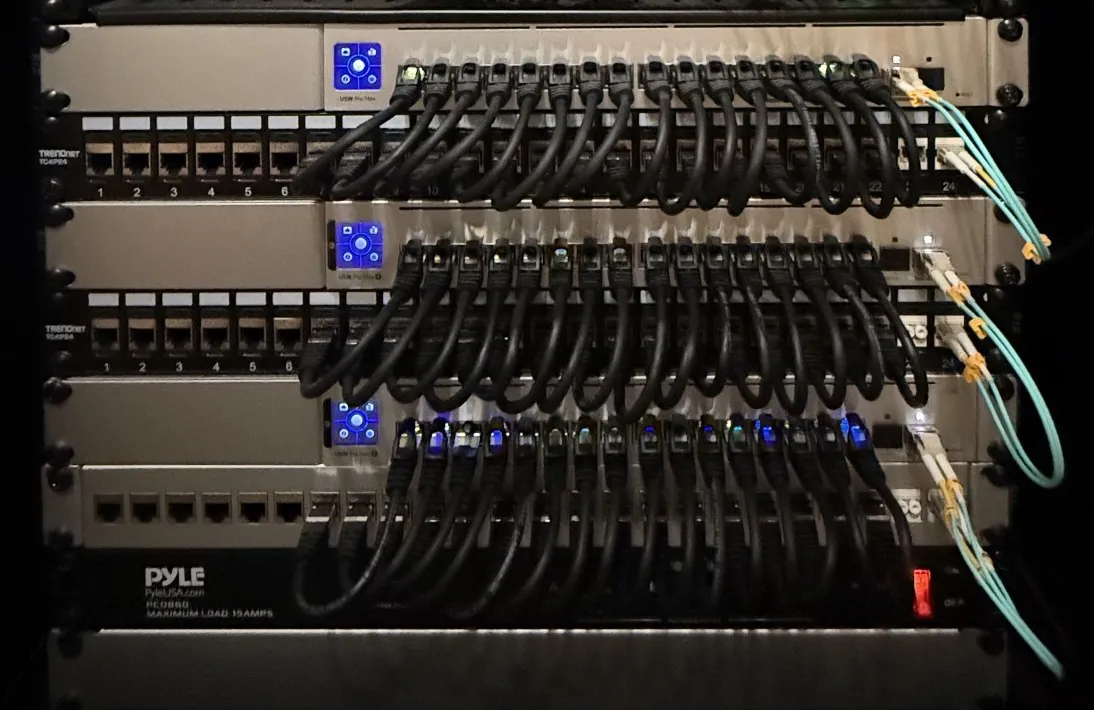
Most drops in a home are copper Ethernet. Some runs are better on fiber, and we install both. Our own home network runs on both.
From our installs
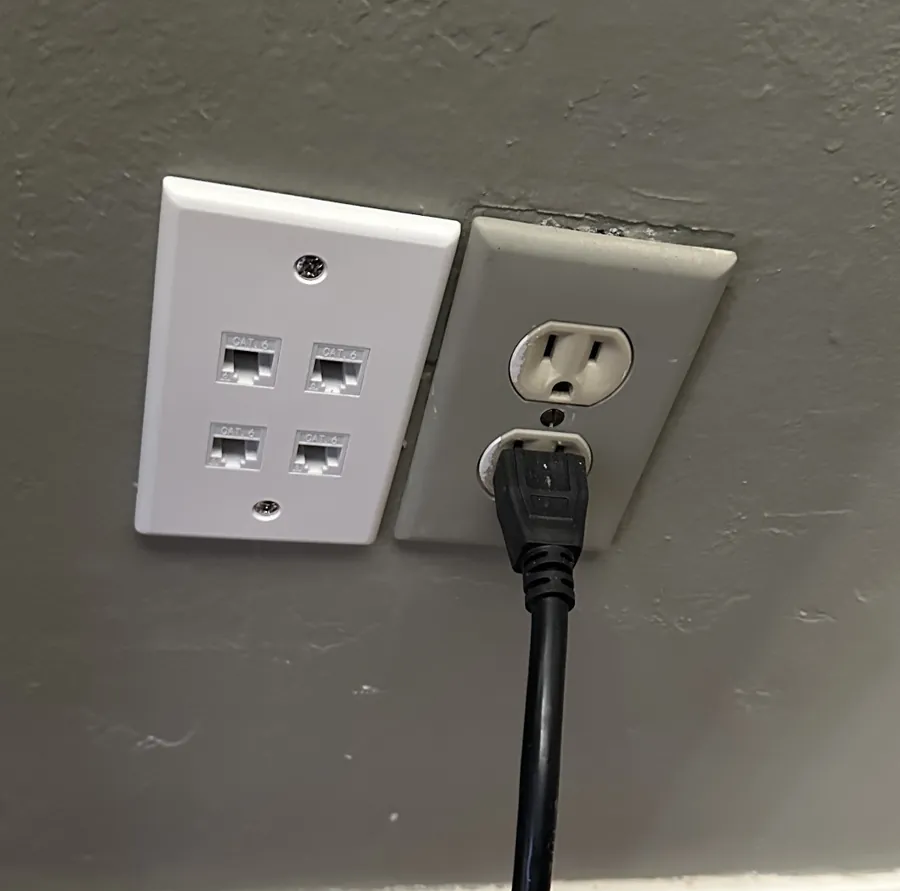
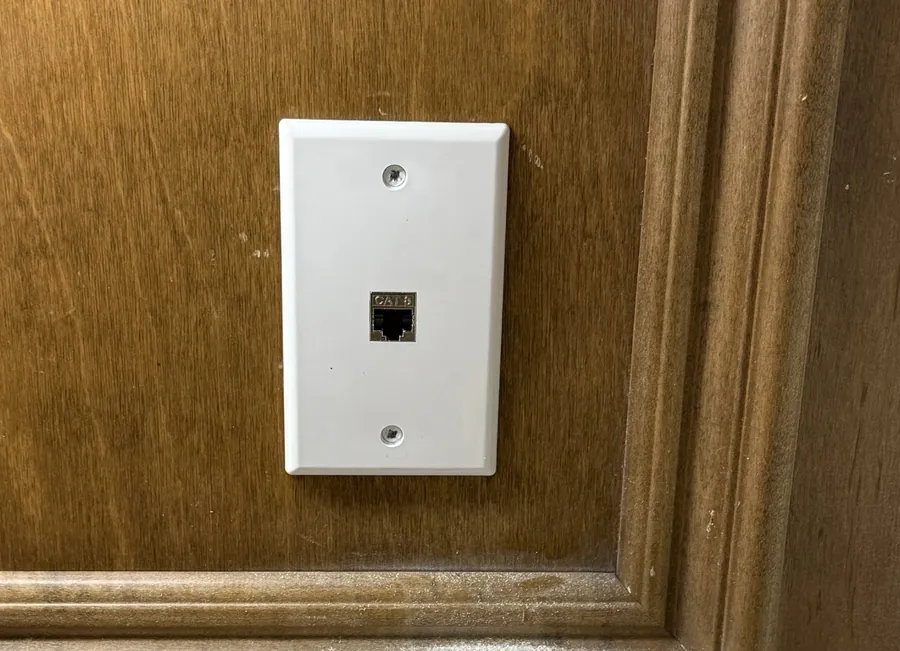
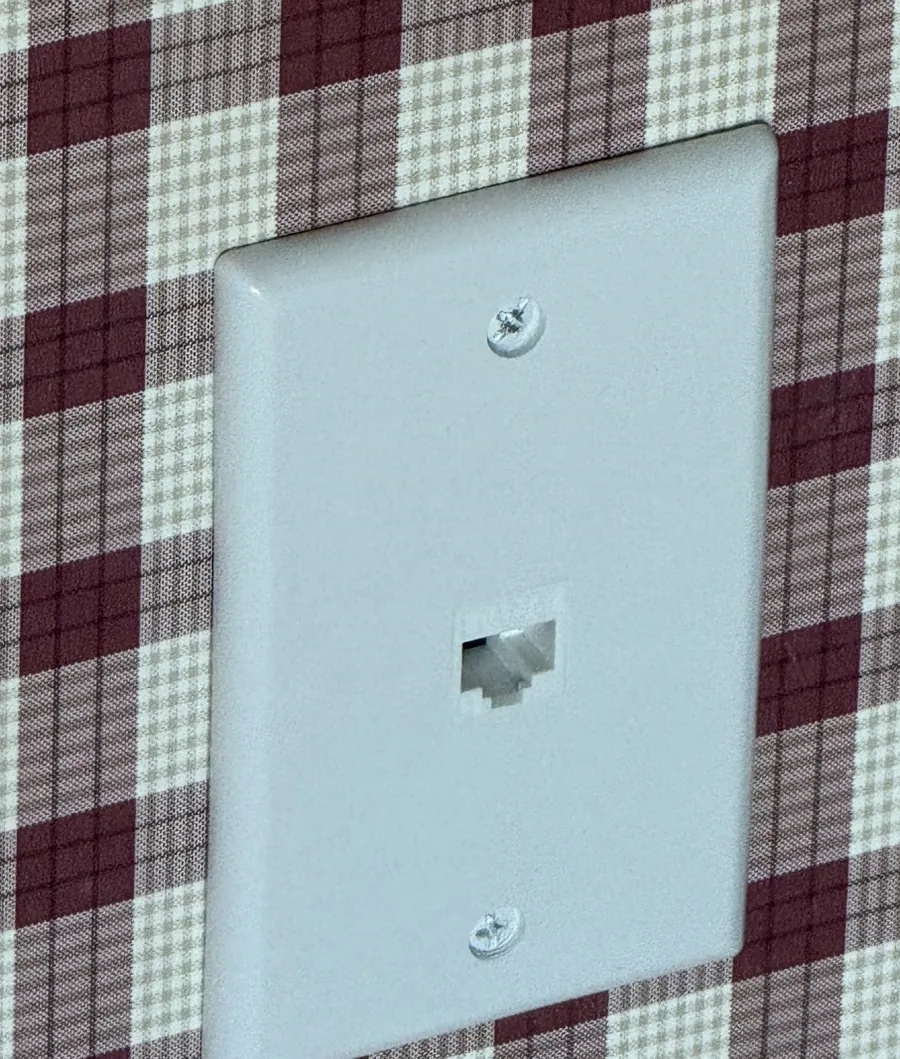
Real jobs in finished homes: each run fished through the wall and finished at a plate, with no cable along the baseboard.
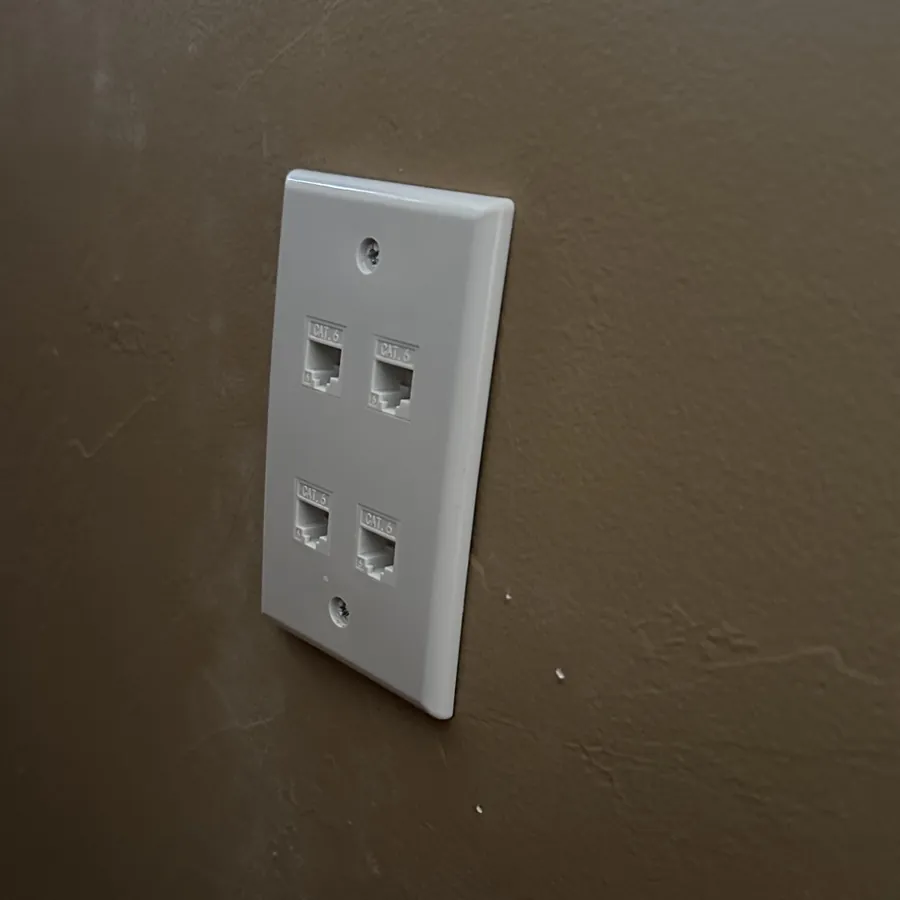
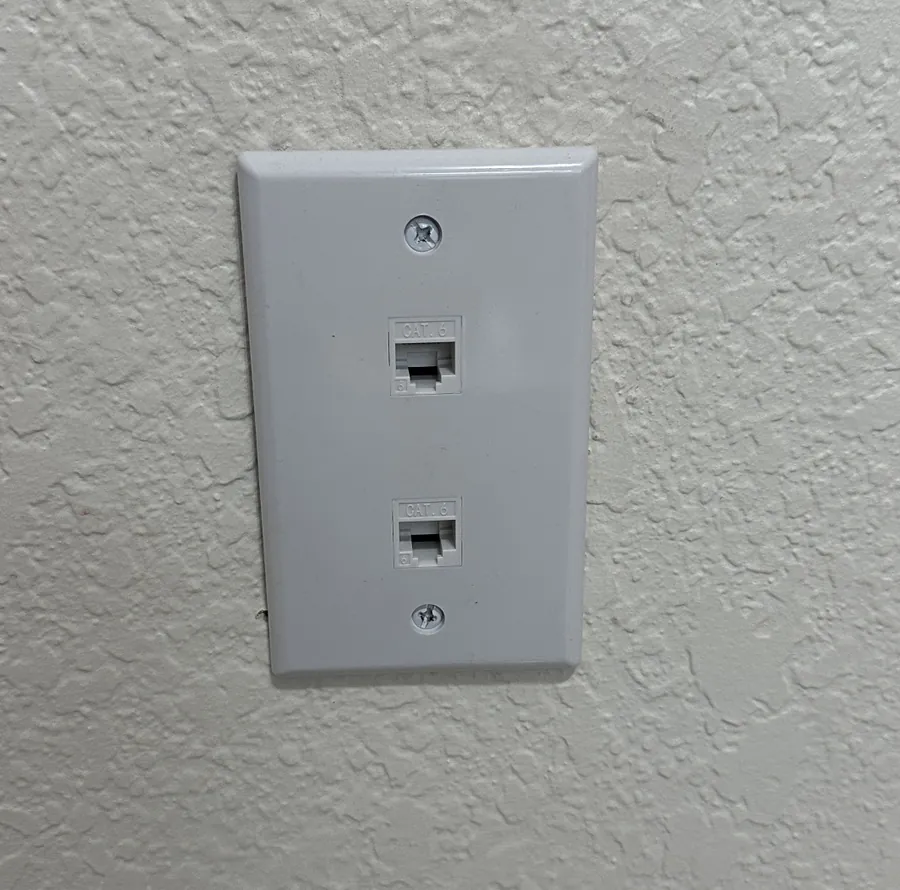
For new builds & remodels
Pulling cable through open walls is faster and less disruptive than doing it later. We plan it with you or your builder so the drops are where the furniture, TVs and access points will actually go.
How a job runs
We look at where each line needs to go, how to get there from the attic or crawlspace, and where the runs will start.
Each run listed with its footage and plate, so you see exactly what you're paying for.
Cable through the attic and down the wall, a wall plate at each end and the runs brought back to one spot.
Every line connected and tested end to end, labeled at both ends, and plugged into your network if you want.
No surprises
Running cable through finished walls is mostly straightforward, but walls can hide things. Here's how we handle it, in writing, before we start.
Why Safire Home Solutions
We've built enterprise networks for decades, so the wiring is planned around the network it serves, not just the shortest path to the wall.
A member of Ubiquiti's UniFi Professional Integrator program.
Amazon eero mesh Wi-Fi for homes where a simpler system is the better fit.
Not sure what you need? Our in-home Wi-Fi assessment maps your coverage room by room.
Based in Edmond. We answer the phone and come back after the install.
Cat6A by default, riser-rated for runs through attics and walls. If a run passes through a space that needs plenum-rated cable, we'll call that out in the estimate.
Yes. We use fiber for long runs, between buildings and between network closets, and copper Ethernet for most drops to rooms. Your estimate shows which we recommend for each run.
It lets each device get the full speed your internet plan and equipment can deliver, and keeps it steady. It can't make the plan itself faster, so we don't promise a particular speed.
Only the opening behind each wall plate. If something inside the wall blocks the path, we'll go over options with you first, such as a different spot, a small access hole or a cover channel on the wall.
Often. We test the existing runs, reuse what's good and add new cable only where it's needed.
It depends on how many runs you need and how easy the attic and walls are to work in. You'll see the plan in your estimate.
Every home is different, so we don't publish a package price. After the walkthrough you get a written estimate that lists each run, its footage and the labor, line by line.
Homes within 35 miles of Quail Springs Mall in Oklahoma City.
Yes. Offices and small businesses are handled by our sister company, Safire Business Services.
Tell us which rooms need a wired connection, whether the home is one or two stories, and how the attic is to get into. We'll set up a walkthrough.
Prefer to pick a time? Book an on-site visit, or call (405) 546-2753.
Ubiquiti and UniFi are trademarks or registered trademarks of Ubiquiti Inc. in the United States and other countries. Amazon and eero are trademarks of Amazon.com, Inc. or its affiliates. This page is not sponsored or endorsed by Ubiquiti or Amazon.