Gateway
The router at the heart of the network, with your internet connection, firewall and separate networks for family, smart devices and guests.

We design and install TP-Link Omada networks: the gateway, switches, indoor and outdoor access points, and wireless bridges that carry your internet to a workshop, barn or guest house, all managed in one app.
Serving the Oklahoma City metro, including Edmond.
What an Omada network includes
Omada is TP-Link's professional networking line. Every part is managed together in one app, so you see the whole network, inside and out, in one place.
The router at the heart of the network, with your internet connection, firewall and separate networks for family, smart devices and guests.
Managed switches that power access points and cameras over the network cable and keep wired devices fast.
Ceiling and wall access points placed room by room, so the Wi-Fi follows you through the house without dead spots.
Weatherproof access points for patios, pools, driveways and yards.
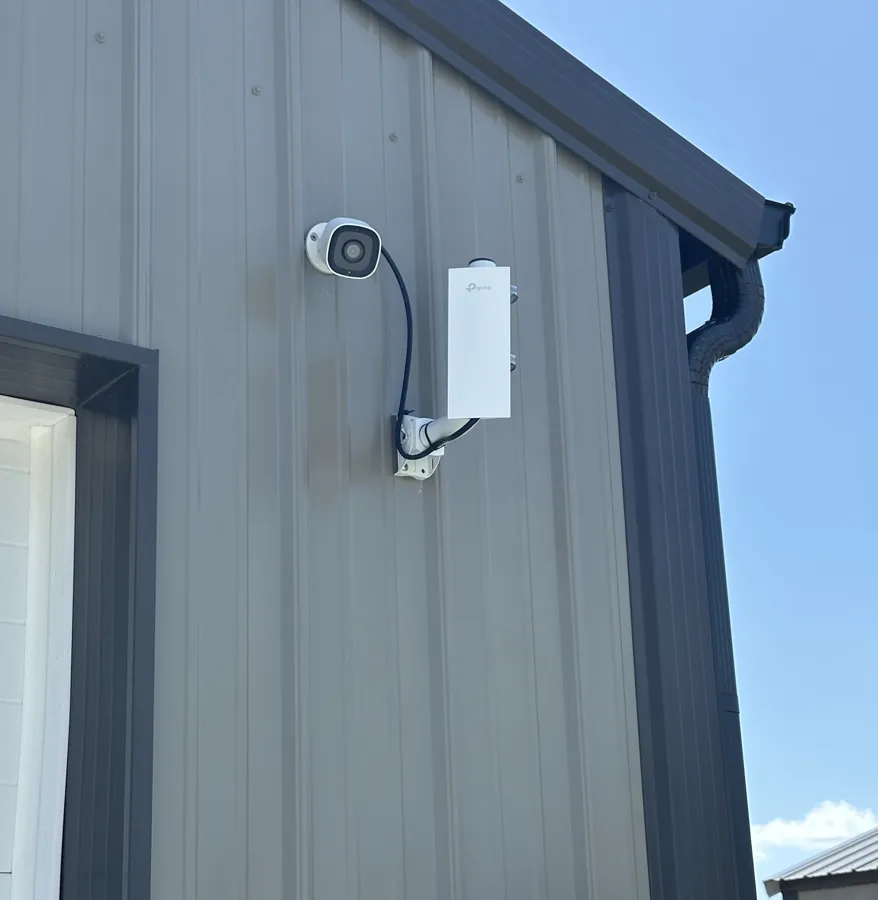
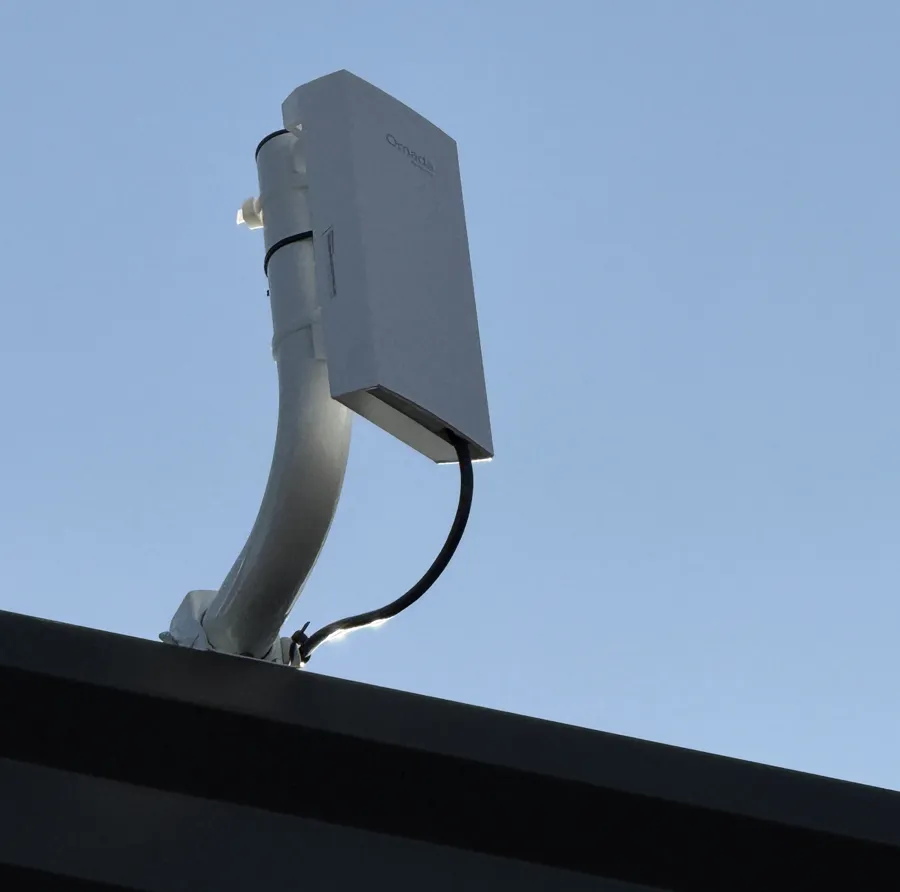
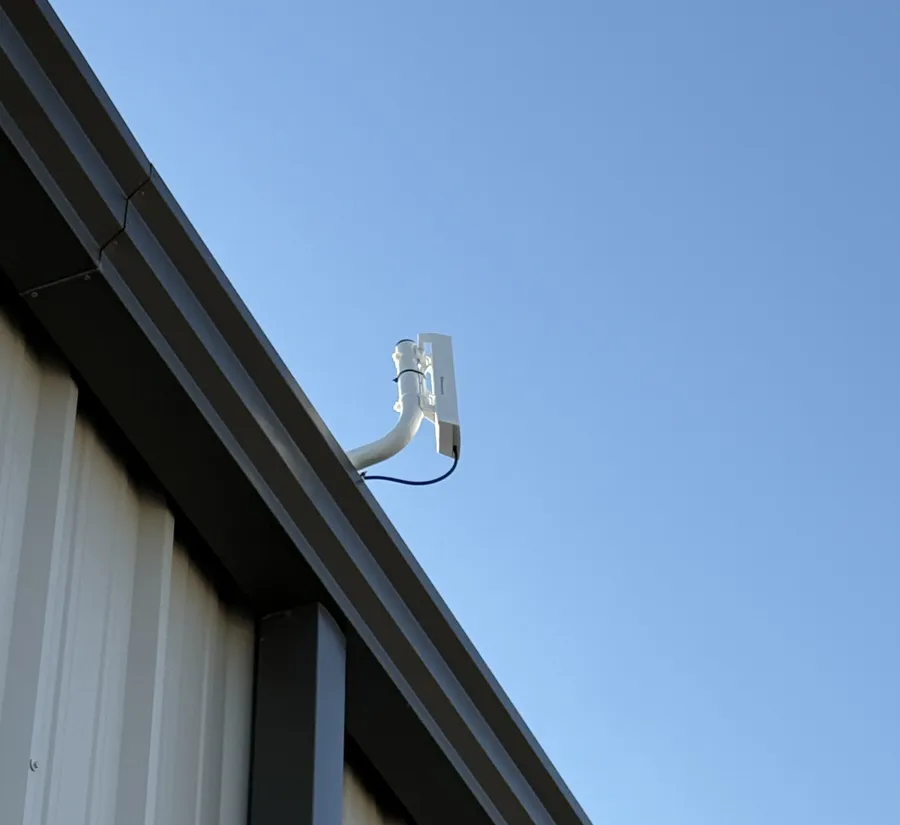
Point-to-point links that carry the network to a detached workshop, barn, gate or guest house where running cable isn't practical.
See every device, give guests their own Wi-Fi, and get help from us remotely when you need it.
Wireless bridges
Plenty of Oklahoma homes have a shop, barn or detached garage that the house Wi-Fi never reaches. Running cable means trenching across the yard. A wireless bridge does the job instead: one radio on the house, one on the outbuilding, pointed at each other.
We've built several of these, from a house to a detached workshop. If you can see the building from the house, there's a good chance a bridge will work.
How an Omada project runs
We walk the house and property, test the Wi-Fi and check line of sight to any outbuildings.
Access point and bridge placement, cabling and equipment, with a written estimate.
Equipment mounted, cable run where it's needed, bridges aimed and tested.
Your devices connected, the app set up on your phone, and a written record of your network.
Why Safire Home Solutions
We install TP-Link Omada and Ubiquiti UniFi, and we'll tell you which fits your home and budget. We've built enterprise networks for decades. Home networking →
Shops, barns, gates and guest houses connected by bridge or cable.
Ethernet and fiber to access points and cameras. Ethernet installation →
A written record of your network names, settings and equipment.
Based in Edmond. We answer the phone and come back after the install.
It depends on the equipment and a clear line of sight. Typical house-to-shop distances across a yard or field are well within what outdoor bridge kits are built for. We confirm line of sight and distance during the walkthrough.
Both, if you want. The bridge brings the network to the building, and we add an access point or switch there for Wi-Fi and wired devices.
Both are professional-grade systems managed in one app. We install both, and we'll recommend one based on your home, your outbuildings and your budget.
Yes. We can add access points, switches or a bridge to an existing Omada network, or tidy up one that isn't working the way it should.
Yes, through our business team at Safire Business Services.
Every property is different, so we don't publish a package price. After the walkthrough you get a written estimate that shows labor and equipment line by line.
Tell us about the house and any outbuildings you want connected: how far away they are, and what you'd like to run out there.
Prefer to pick a time? Book an on-site visit, or call (405) 546-2753.
TP-Link and Omada are trademarks of TP-Link or its affiliates. Ubiquiti and UniFi are trademarks or registered trademarks of Ubiquiti Inc. in the United States and other countries. Brand names are used only to describe the equipment we install. Safire Home Solutions is not sponsored or endorsed by these companies except where we state a program membership.